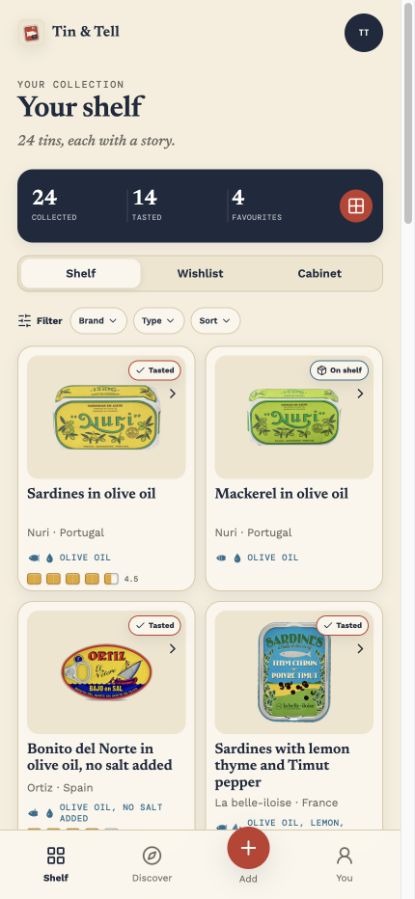
Your collection
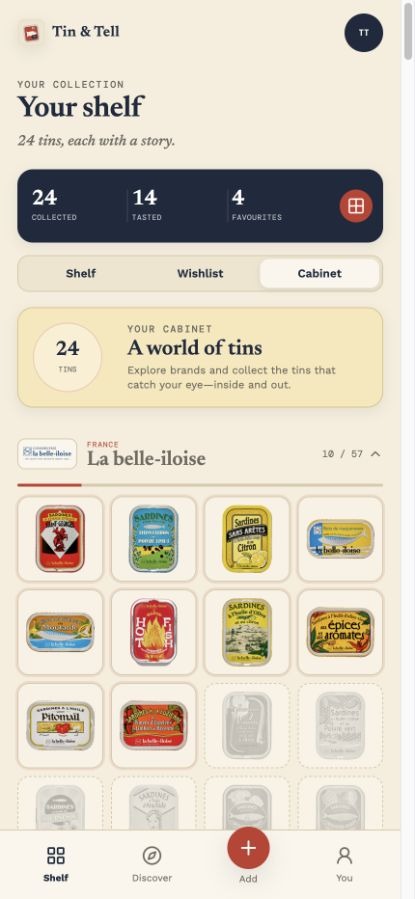
Build a shelf worth opening
Keep the tins you own, the ones you want, and the favourites you would happily open again—all in one beautifully organised shelf.
 Tin & Tell
Your conservas collection and tasting journal
Discover remarkable conservas, organise your shelf and wishlist, and keep every rating, note and photo together.
Free on iPhone
See how it works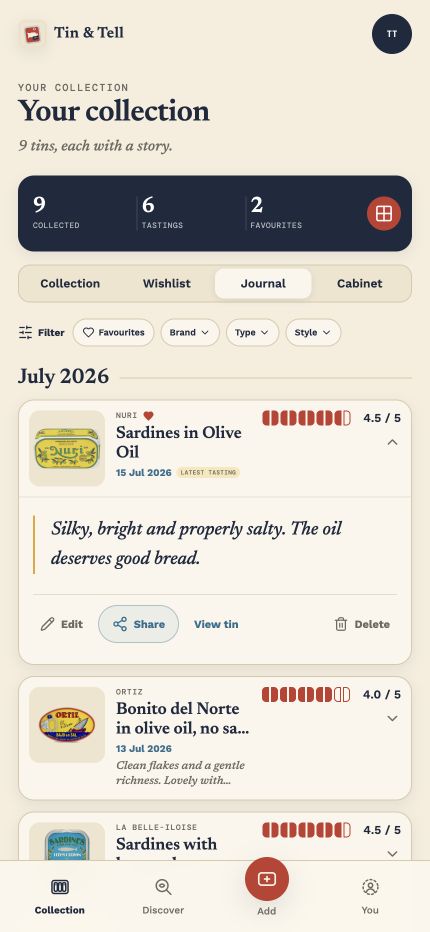
How Tin & Tell works
Browse the catalogue, search by name, photograph a label or scan a barcode.
Add it to your shelf or wishlist, and keep the favourites close at hand.
Log your rating, tasting notes and photos, so you know what is worth opening again.
A journal for every tin
Your collection
Keep the tins you own, the ones you want, and the favourites you would happily open again—all in one beautifully organised shelf.
Tastings, remembered
Keep a chronological journal of ratings, notes and photos. Remember where each tin was opened, and share an unlisted tasting when you choose.
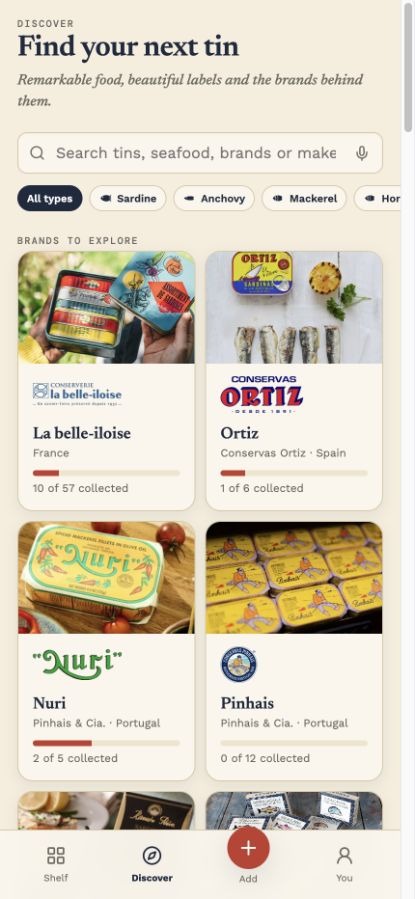
A carefully kept catalogue
Browse by seafood, preparation, brand or cannery—and dip into the artists, origins and stories behind the labels.
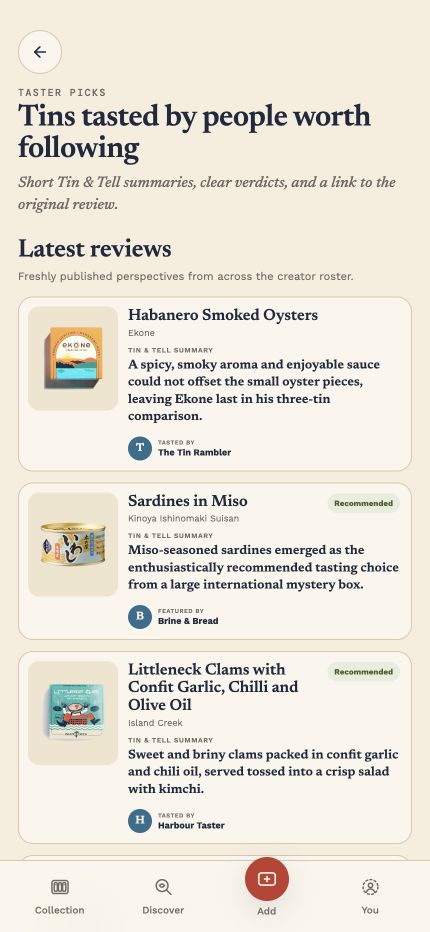
Taster picks
Discover short reviews, clear verdicts and serving ideas from people who love conservas—with links to every original review.
The hunt, made visible
See what you have—and what is still out there. Every new tin fills another space in each cannery's visual cabinet.
Why I made Tin & Tell
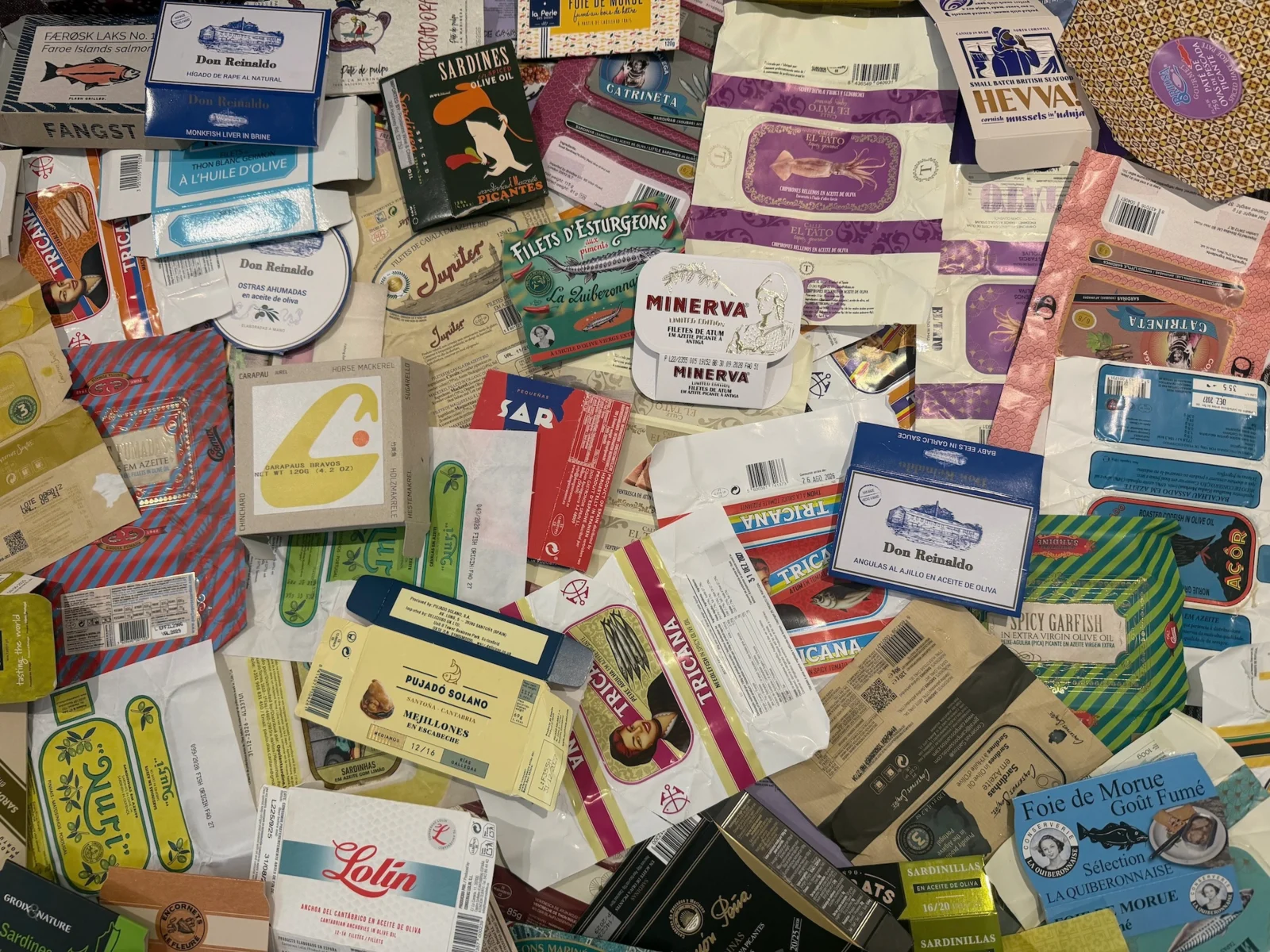
I started keeping the wrappers from sardine tins as little mementos. They reminded me of my travels—where I had bought them—and of the meals and people around the table when I ate them.
After accumulating several boxes, I had also lost track of which tins I had already tried and which I had particularly enjoyed. I wanted a better home for those memories: a personal journey, collection and photo journal. So I built Tin & Tell.
Available now on iPhone
Download Tin & Tell for free on iPhone and give every tin—and every memory—a better home.
Using Android?
Be the first to hear when Tin & Tell is ready for your phone.
See how we handle your details in our Privacy Policy.